
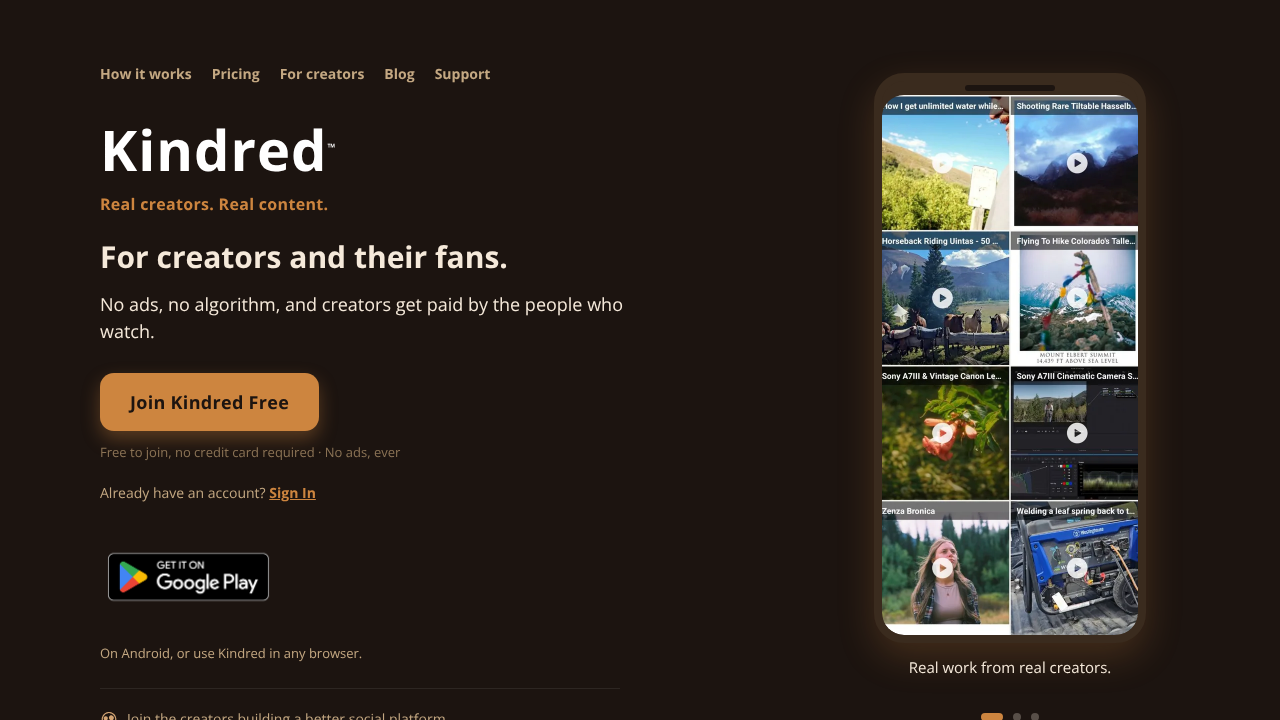
Kindred
For creators and their fans. No ads, no algorithm, and creators get paid by the people who watch. No ads. No brain-rot. OUR MISSION Elevate the best in humanity through real, original, creator-driven content. Why Kindred No ads, ever Your feed is content, not commerce. No algorithm Chronological: posts appear in the order they were shared. Nothing is picked for you. Browse 17 categories in Discover, from Art and Travel to Food & Drinks. Real monetization Creators earn from a 35% share of subscription revenue after processing, not ad clicks. Zero brain-rot No doomscroll clips, no AI slop, no explicit content. Newsletters & creator tools Publish newsletters and reach your audience directly, no gatekeeping. Own your audience Keep your followers and your content. They're yours, not the platform's.
Featured on TechBaseDirectory
Pro listings with featured placement across the directory.

More from the directory
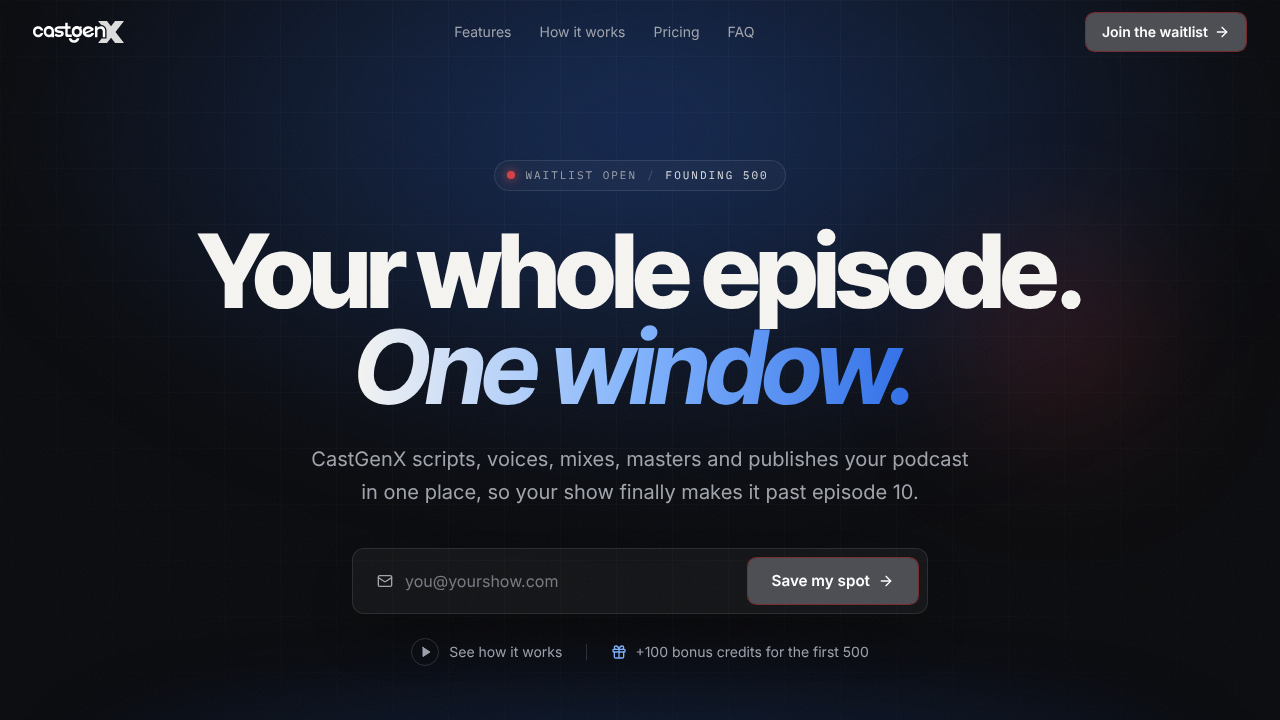
CastGenX
Discover the ultimate solution for managing your podcast episodes with a comprehensive platform that consolidates everything you need in one convenient window. From scripting and voice recording to mixing, mastering, and social media integration, this all-in-one tool ensures your podcast thrives beyond the tenth episode. Streamline your podcasting process and elevate your show’s success with this essential resource.
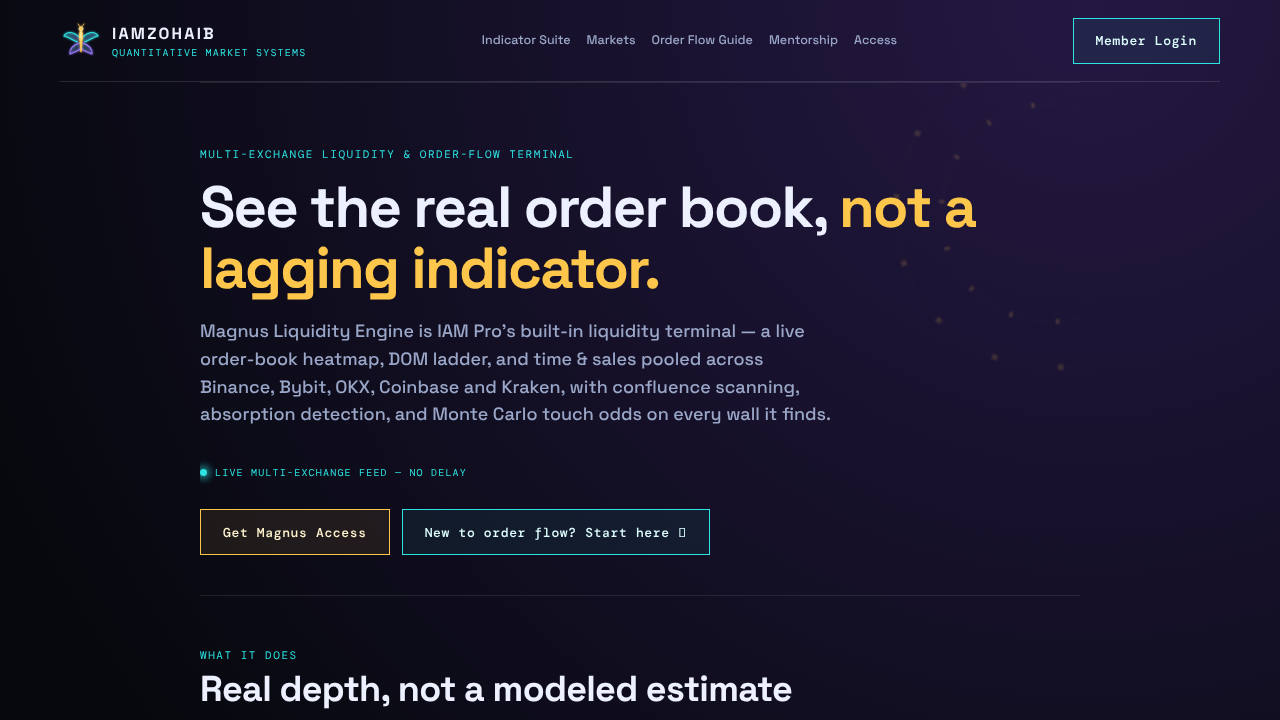
Magnus Liquidity Engine
Magnus Liquidity Engine offers a comprehensive suite of features designed for traders seeking advanced market insights. This powerful tool provides a real-time, multi-exchange order-book heatmap, enabling users to visualize market depth and liquidity across various platforms. Key functionalities include liquidity walls, Monte Carlo touch odds, and absorption scans, all aimed at enhancing trading strategies. The Magnus Liquidity Engine is an integral component of IAM Pro, making it an essential resource for serious traders looking to optimize their market performance.
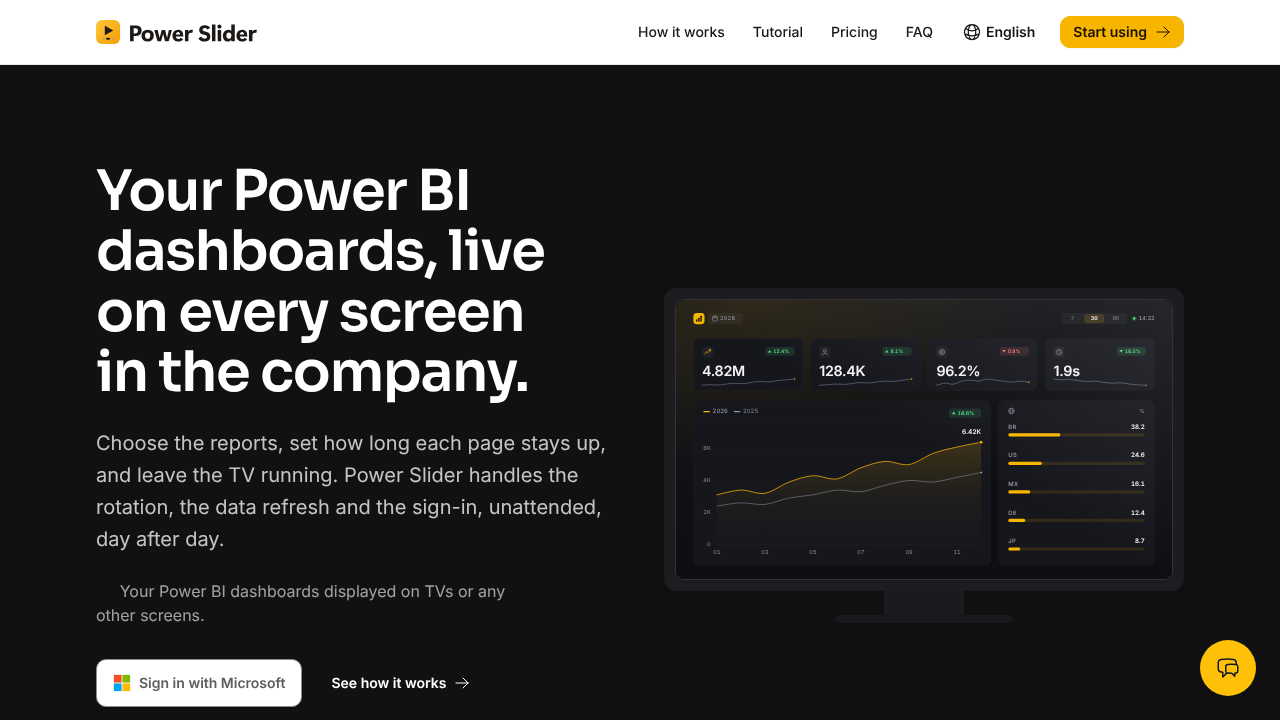
Power Slider
Power Slider transforms Power BI dashboards displayed on office TVs into dynamic presentations that operate autonomously in any browser. Users can select specific pages, set the duration for each page, and utilize bookmarks for seamless navigation. The tool ensures that data refreshes and sessions renew automatically, maintaining functionality even after reboots. Compositions allow for the integration of pages from multiple reports into a single rotation. Each screen securely signs in with its own Microsoft account, ensuring read-only access through official Microsoft APIs, without the need for a public link. Experience Power Slider with a 15-day free trial, no credit card required.