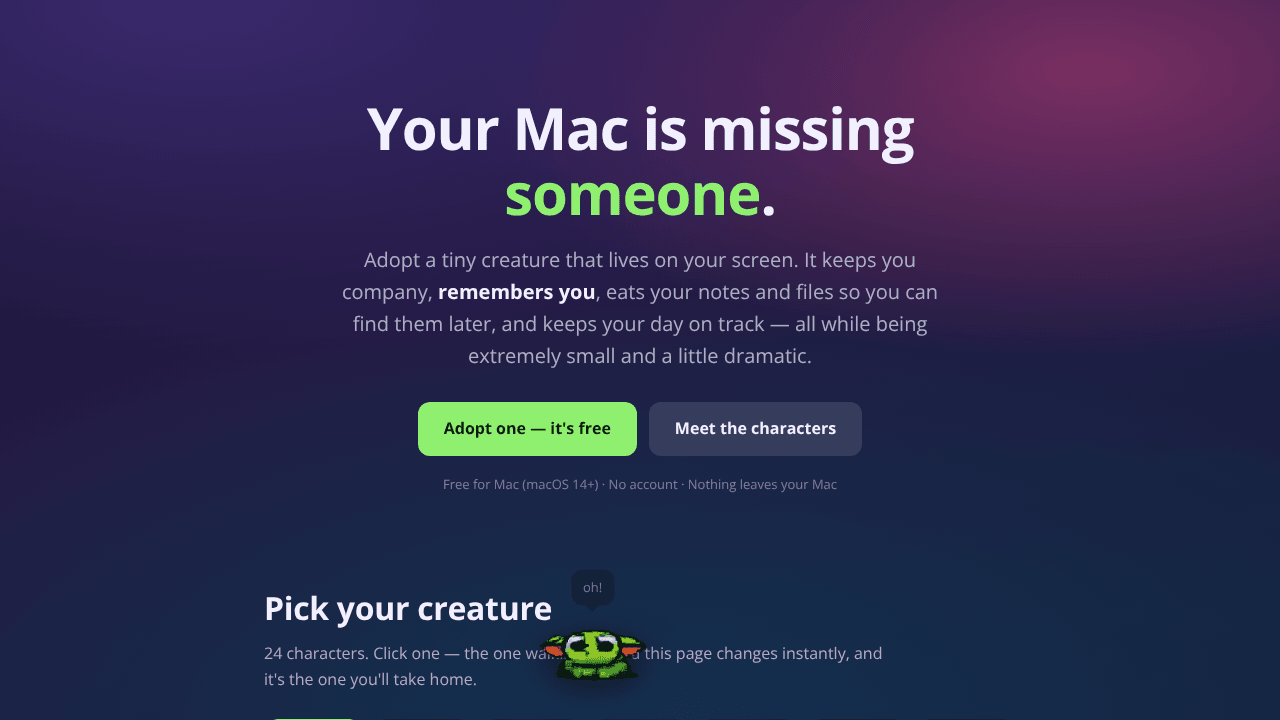
Desk Gremlin is a unique desktop pet that offers various productivity features. Users can click on it to access notes, reminders that sync with their iPhone, focus timers, and screen recordings. Additionally, it includes an optional AI feature that can answer questions, search through notes, analyze the screen, and connect with MCP tools. The product prioritizes privacy, storing all data in a local SQLite file with no telemetry. The AI functionality can operate entirely on the device using Ollama technology. Desk Gremlin is available for free and is compatible with macOS 14 and above.
Pro listings with featured placement across the directory.

Find coding agents for your workspace on our directory website. Connect QQ to your Codex subscription or supported model APIs. Enjoy features like terminal UI, file editing, shell commands, and MCP tools. Monitor visible activity easily. Start by downloading an open-source binary and setting up a repository. Stay tuned for the upcoming integration of JEV checkpoints for reviewing tool results and task completion in version 0.1.0.

Discover a unique way to turn your runs into a virtual journey around the world with Runglob. Progress through real routes and cities with every kilometer you run.
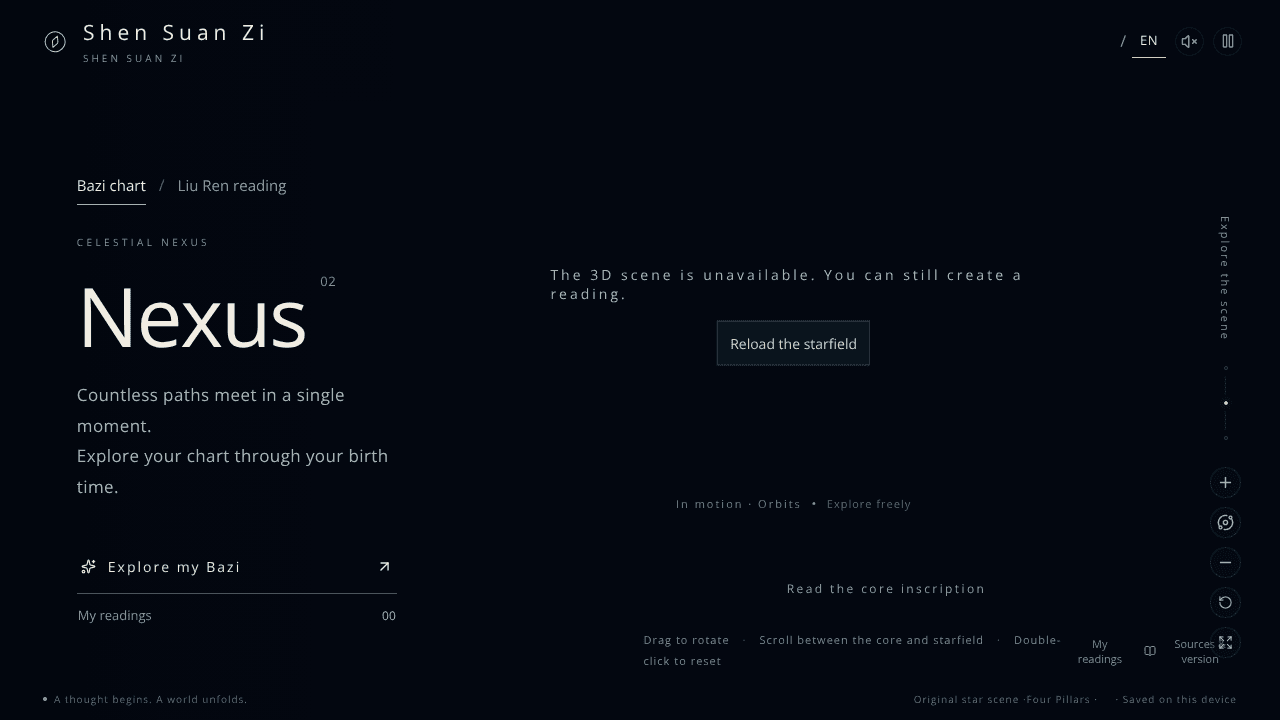
Discover Bazi birth charts and Da Liu Ren question readings on our directory website. Input your birth information or inquire about a specific situation to receive insightful interpretations. Seamlessly switch between English and Chinese languages. Save your readings for future reference without the need for an account or installation. Explore this free tool today for a deeper understanding of these Chinese divination traditions.